
Home Assistant. On your wrist.
Wrist Assistant turns your Apple Watch into a fast, purpose-built control surface for your home. Lights, climate, locks, cameras, media. Without reaching for your phone.

 Scan with your iPhone
to install
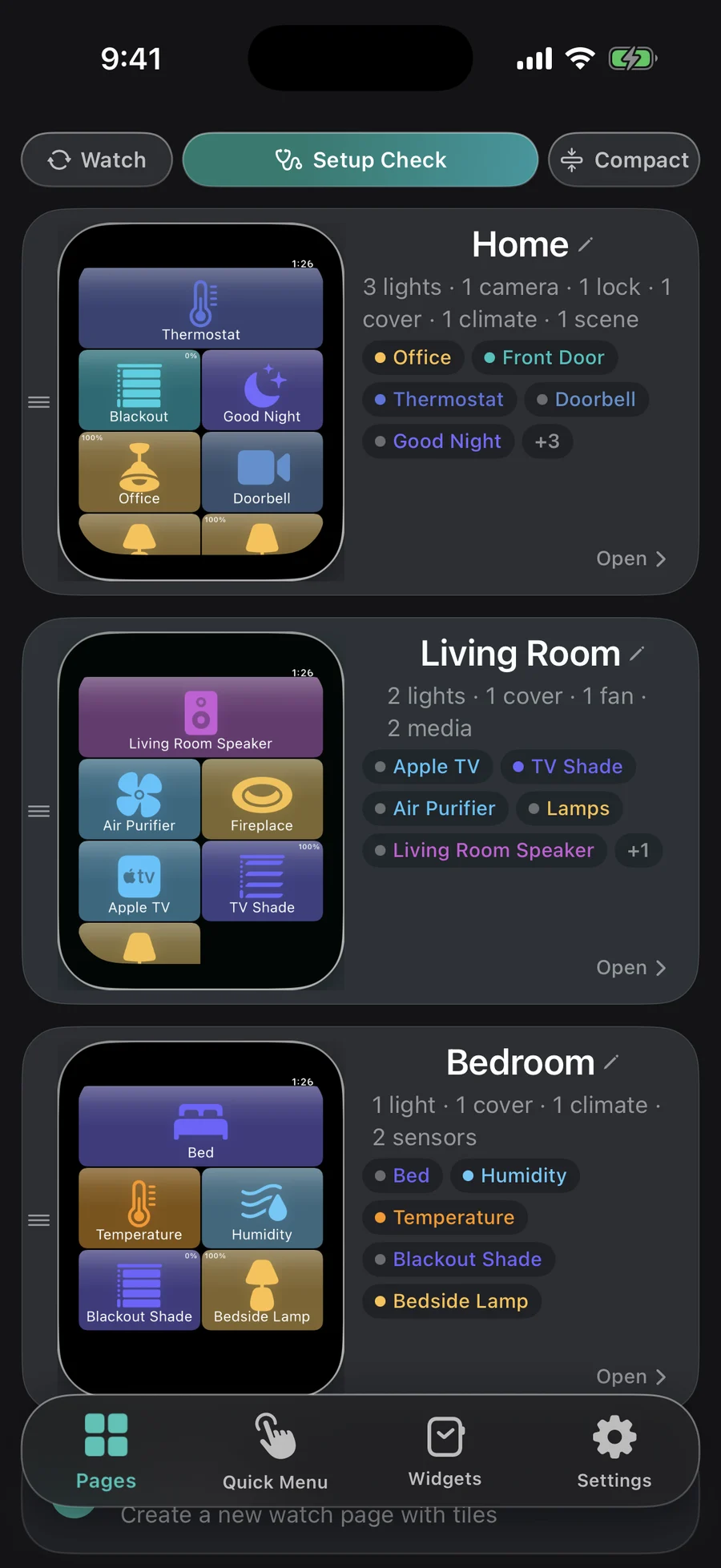
Unlimited pages.
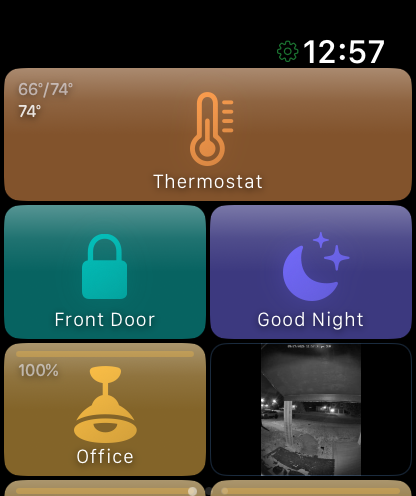
One per room, one per routine, as many as you want. Tiles for the things you touch, live states on every one. Swipe between them.
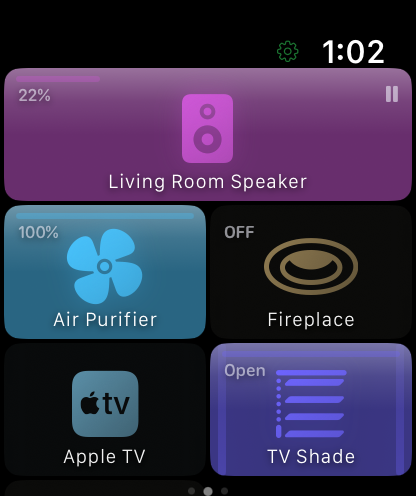
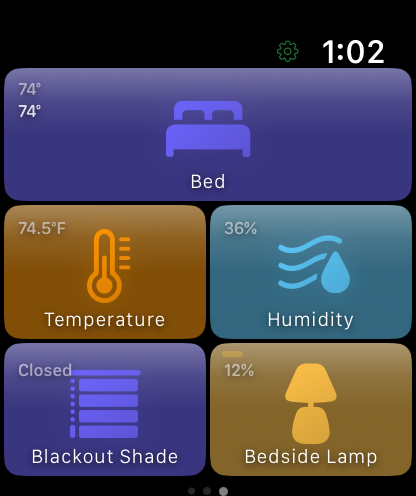
Every control, built for the watch.
A light gets brightness, color temperature, effects and a color wheel. Not a shrunken phone screen.


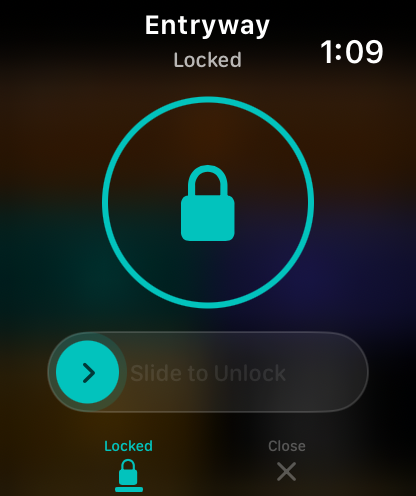
Locks slide to unlock. Climate gets two setpoints. Media players get a real volume arc. 50+ entity types.
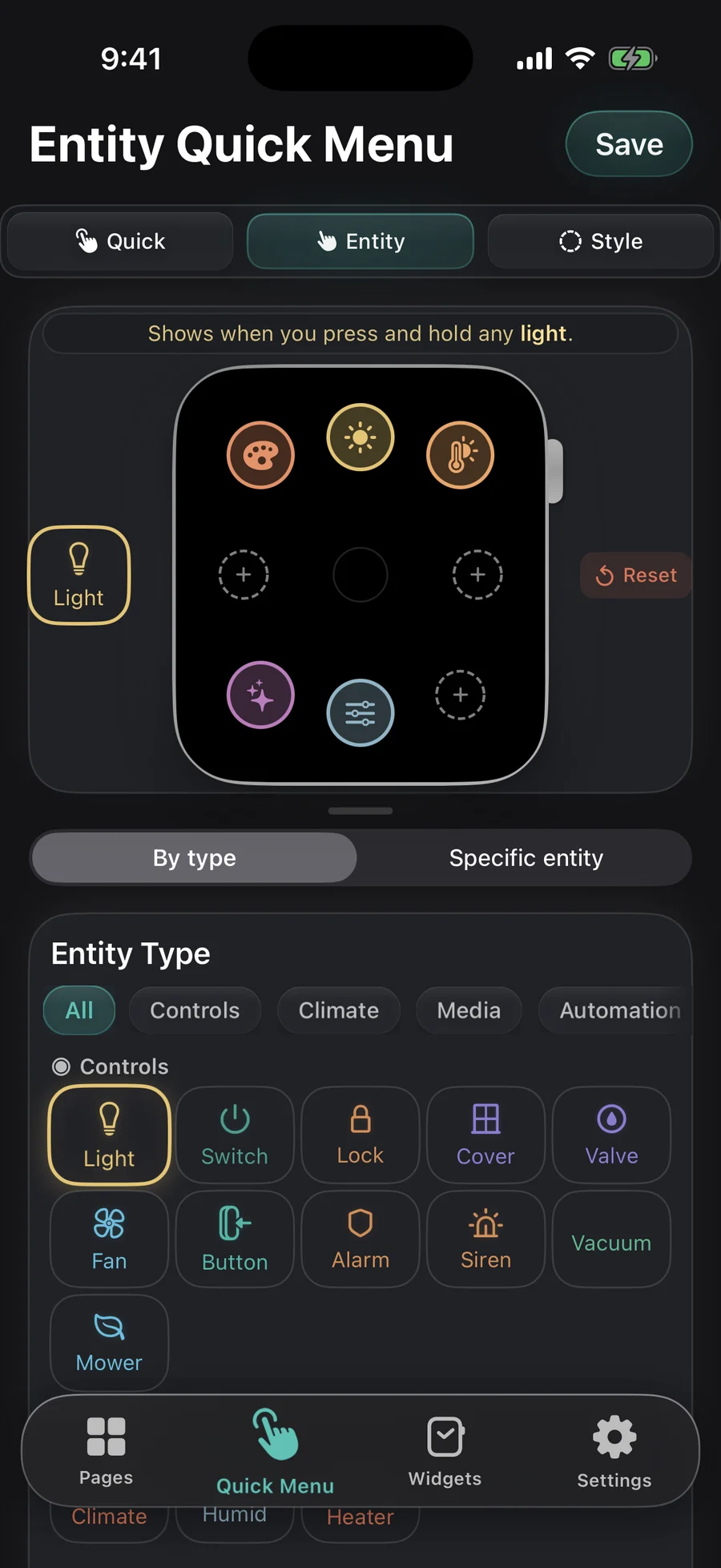
Slide to the center. Pick one.
A radial menu of the things you do most: scenes, the front door, voice, a status page. Hover a status slot and a summary peeks in without leaving the page.
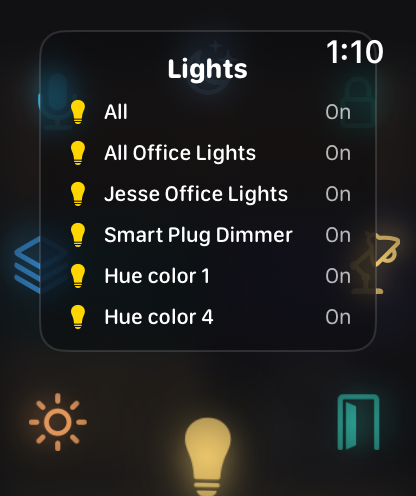
Real controls. Not toggles.
Locks slide to unlock. Climate gets heat and cool setpoints on the Digital Crown. Every entity type gets the control it deserves.
A remote you already wear.
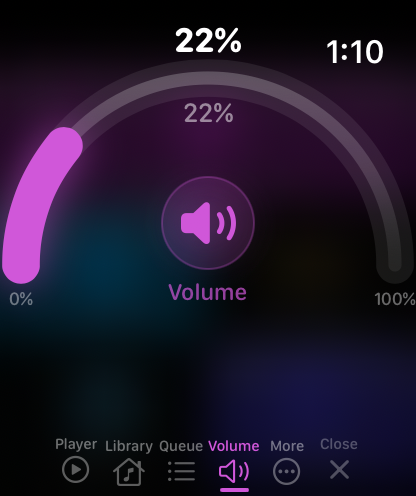
Drive the Apple TV, pick a speaker, set the volume on a real arc, skip a track. The music hub puts every player on one page.
Live video. On your wrist.
Tap a camera tile and the stream fills the screen. Doorbell, driveway, nursery. Put several in one mosaic, or a still on the watch face.
Build it in Home Assistant. Wear it on your wrist.
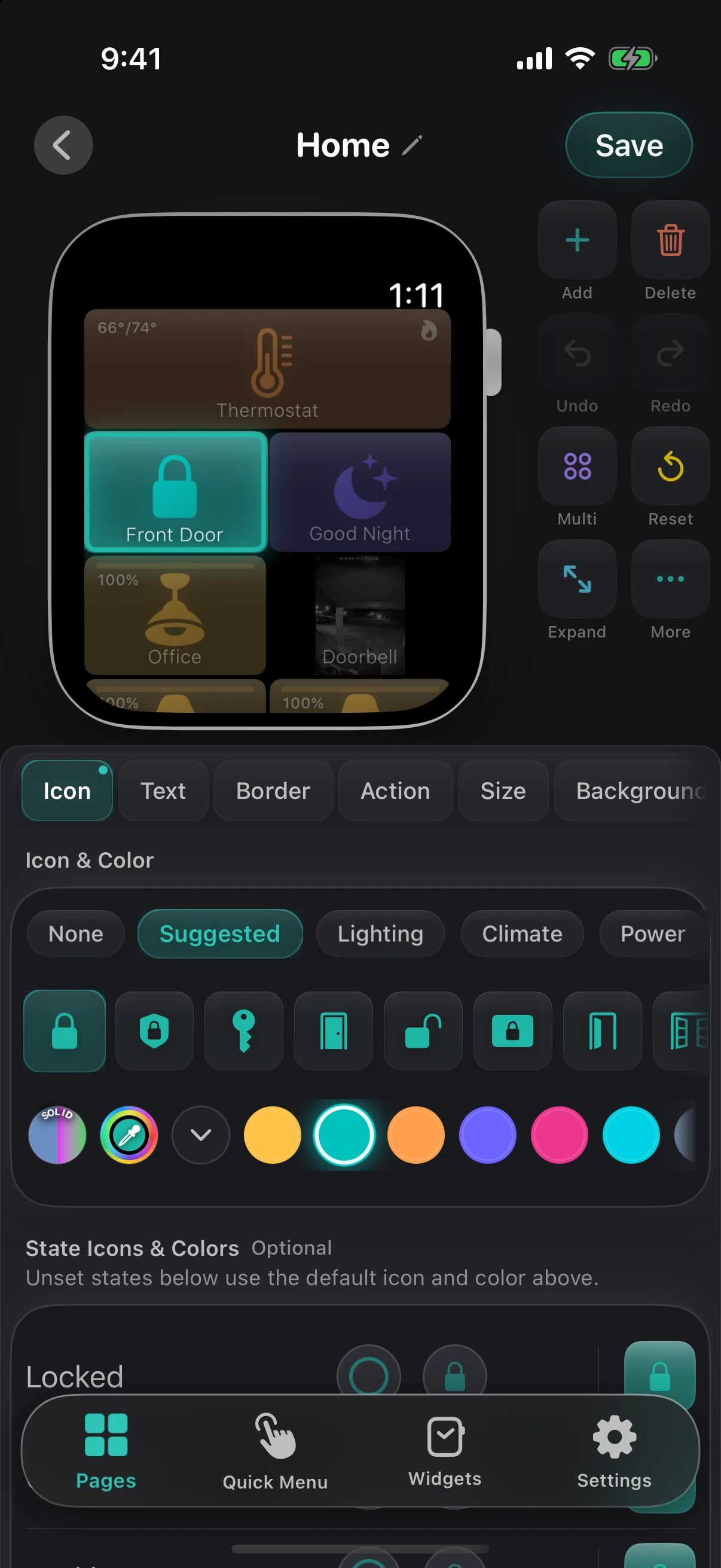
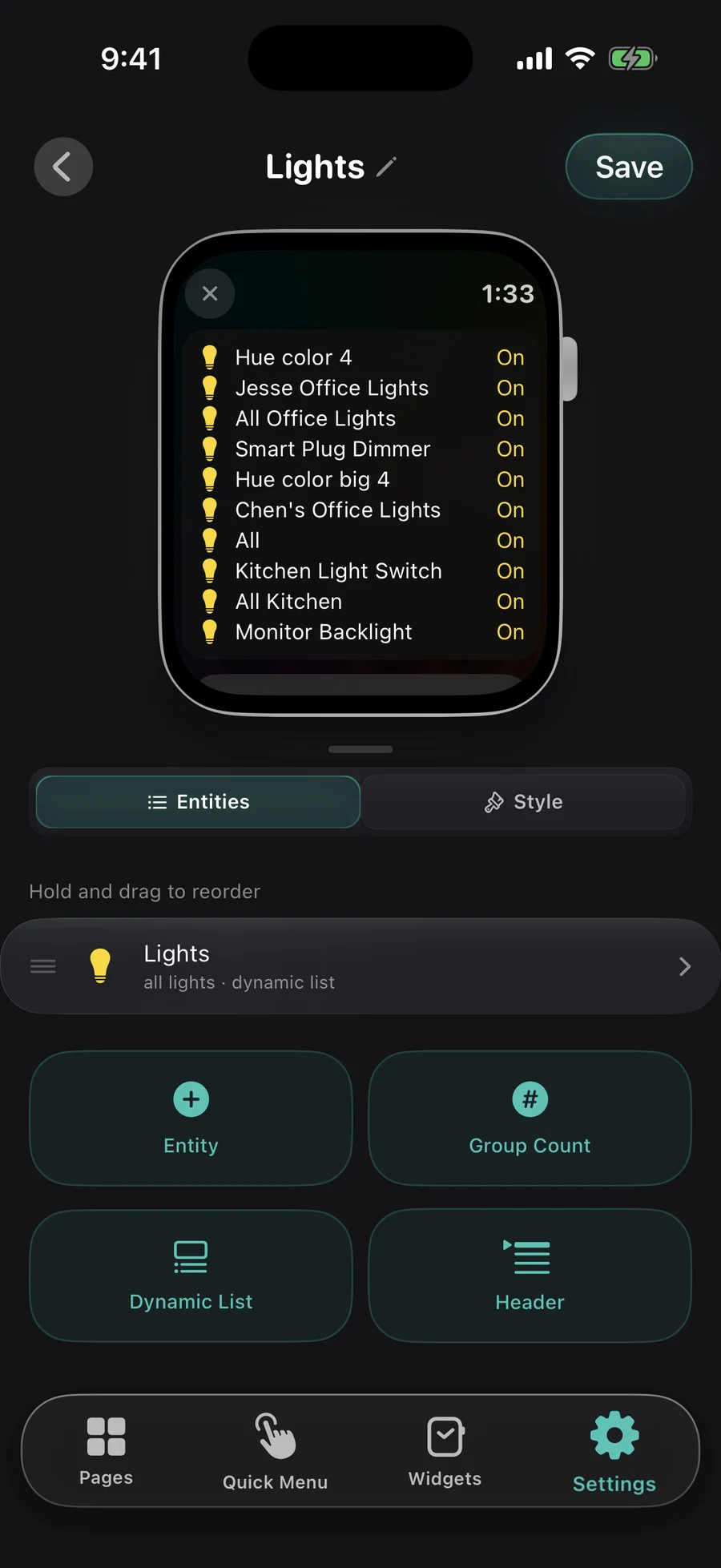
Open Wrist Assistant in the Home Assistant sidebar. Arrange tiles by room or routine, set icons, colors and sizes, and build your quick menus and watch settings. Save, and the watch picks it up in seconds. Prefer your phone? The iPhone app builds pages too.
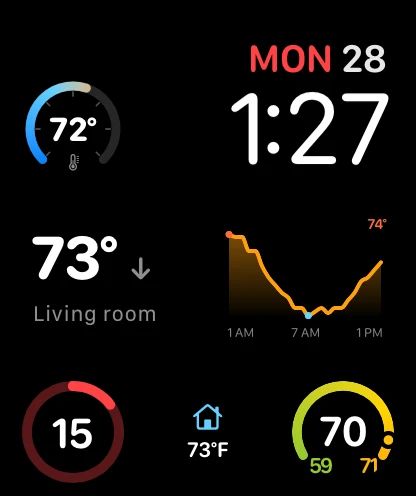
Your home on the watch face.
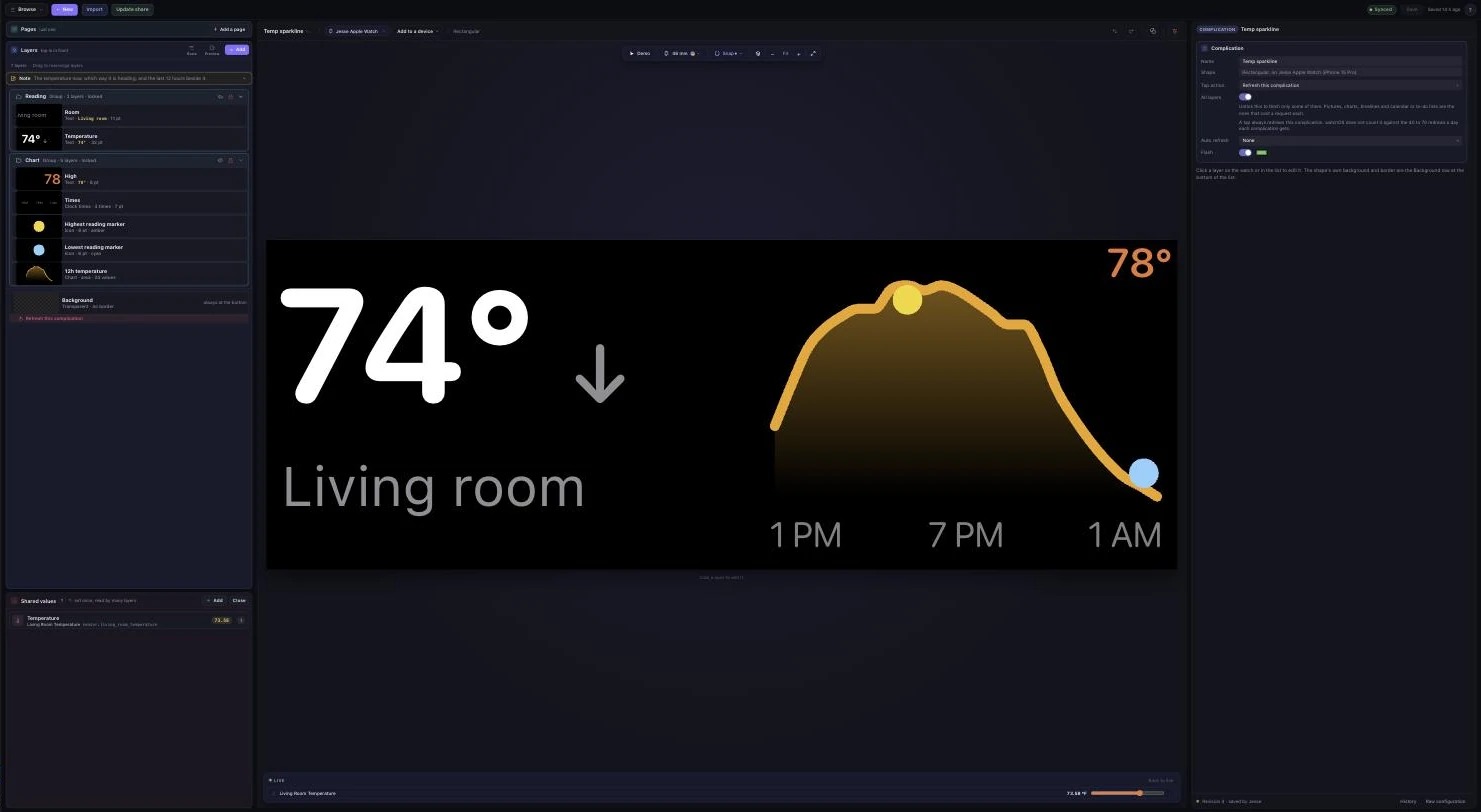
Gauges, charts, states and camera stills, drawn in a full editor inside Home Assistant. Design once. They stay live on the face.
Five stars. Every review.
Rated 5.0 on the App Store. In their words.
-
“I don't think I've ever seen an Apple Watch app so well thought out and customizable. This app actually gives me a reason to wear my watch on the regular now.”
-
“At home or remote, a single touch gives me access to lights, security cameras, and locks. Took under an hour to setup and has worked flawlessly. My new favorite watch app!”
-
“Fast, native, extremely customizable control of just about every entity you have in your Home Assistant. If you can think of it, it's probably already in here.”
-
“Such a beautiful UI, extremely customizable, fully functional. You really can control everything from this app on your watch.”
-
“The smoothest onboarding I've ever had. Well worth the download.”
-
“The design is clean and modern, and everything responds surprisingly fast. It is very useful in my daily life now.”
-
“Obviously spent a lot of time creating this app. Easily worth the $10.”
And much, much more.
Status pages. Quick menus for every kind of device. A setup check that catches mistakes before they reach the watch. Widgets, voice, Focus mode automations.
One purchase. Yours forever.
Every feature is free for 30 days. After that, free mode stays useful, and complications are free on every tier. Pro unlocks unlimited pages, power actions in quick menus, advanced tile styling and camera live streaming. No subscription.
You need
- iPhone with iOS 18 or later, the easy way to set up
- Apple Watch with watchOS 11 or later. A watch can also pair with Home Assistant on its own, by a code.
- The Wrist Assistant integration, through HACS or a manual install